
Let customers contact support from the Customer Center
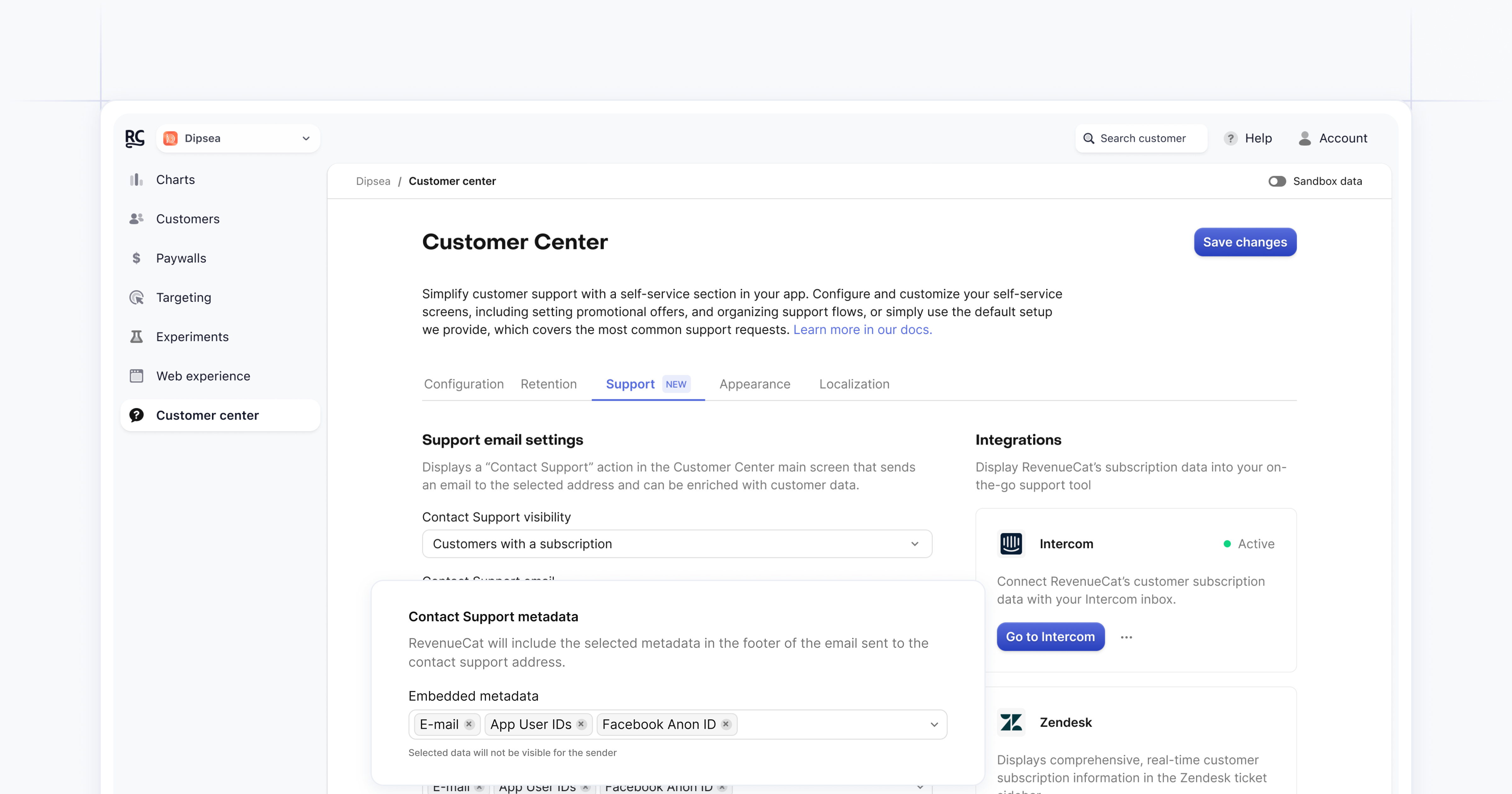
You can now enable support tickets in the Customer Center, letting customers contact you directly from your app. When a customer taps Contact support, they can send a message without leaving the Customer Center, and you receive it with helpful context attached.
You enable this in the dashboard under Customer Center > Support by adding a support email address. You can choose which customer types see the button and select which metadata is included with each message, such as app last opened, ATT consent, or IP address.
When a customer submits a request, you receive an email with their message, their email address, a link to their RevenueCat customer profile, and the metadata you selected. Replies go straight back to the customer. This makes it easier to understand issues faster and resolve them with less back and forth.