Rico
Your AI-powered app growth advisor, built into RevenueCat



Rico is RevenueCat's AI-powered app growth advisor. It lives inside your RevenueCat dashboard and in Slack, and it can answer questions about your subscription business using your own data, industry benchmarks, and RevenueCat's documentation. With your approval, Rico can also make changes on your behalf.
Instead of digging through charts and tables yourself, you can ask Rico plain-language questions like "Why did MRR drop in Germany last week?" and get a direct, data-driven answer.
Rico is a separate product from the RevenueCat AI Toolkit. Use Rico in the dashboard or Slack to ask questions about your data and growth; use the AI Toolkit in your coding assistant to integrate RevenueCat and work on your app.
Access points
Rico is available in the RevenueCat dashboard and in Slack.
RevenueCat dashboard
Rico is embedded directly in the dashboard. Just type into the textbox on the overview page to start a conversation.

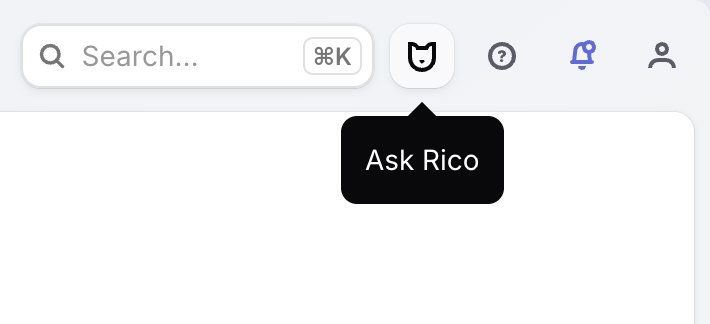
You can also access Rico from the button in the top right of the dashboard on any page.
Installing Rico in Slack
To connect Rico to your Slack workspace:
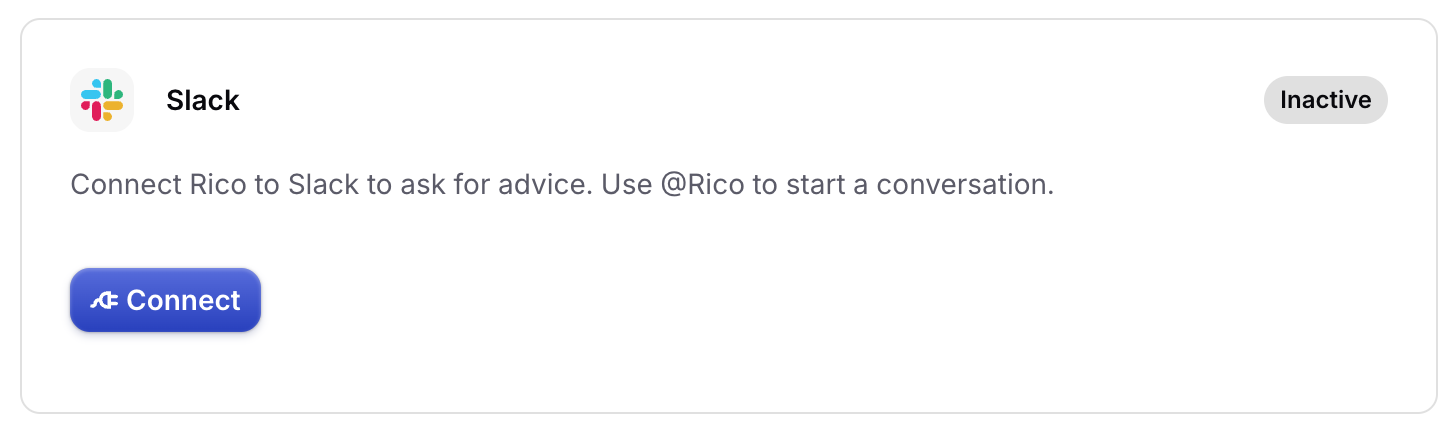
- Go to Rico > Rico Settings > Integrations in the RevenueCat dashboard.
- Click Connect to authorize the Slack integration.
Once connected, you can invite Rico to any Slack channel and tag @Rico to ask questions directly from Slack.
What Rico can do
Rico is designed to be able to answer lots of different questions about RevenueCat and your app business. Here are some examples:
Diagnose revenue and retention issues Rico can identify drops in MRR, trial conversion, or retention by cohort, country, or product — and suggest what to investigate next.
Analyze experiments Ask Rico to interpret your A/B test results and recommend next steps, whether that's adjusting trial lengths, pricing, or paywall copy.
Benchmark against industry data Rico uses RevenueCat's State of Subscription Apps (SOSA) data to compare your metrics — like trial conversion or churn rate — against apps in your category.
Review your RevenueCat configuration Rico can audit your App Store and Google Play Product setup, including Entitlements, Offerings, and Packages, to spot misconfiguration or unused features.
Research competitor monetization Rico can pull App Store and Google Play data to analyze how competitors structure their pricing, trials, and subscription tiers.
Look up customer subscription status Search by user ID to retrieve subscription status, purchase history, billing issues, and experiment enrollment — useful for diagnosing support tickets.
Answer SDK and documentation questions Rico has access to RevenueCat's full documentation and SDK references across iOS, Android, React Native, Flutter, Unity, and JavaScript.
Get growth advice Rico is trained on RevenueCat's State of Subscription Apps report and the Sub Club podcast, so you can ask open questions like "How can I reduce refunds?".
Create and edit Paywalls Rico can create new Paywalls, edit existing ones, and restore previous versions. See Taking actions with Rico.
Taking actions with Rico
Beyond answering questions, Rico can make changes to your project. Every write action goes through an explicit approval step before anything changes, and Rico always operates within your collaborator permissions.
With your approval, Rico can:
- Manage Offerings and Packages — create, update, archive, or unarchive Offerings; create Packages; attach or detach Products; assign Offerings to Customers
- Manage Products, prices, and store state — create Products in RevenueCat and in the stores, plan and apply store-state changes, submit Products for review, and equalize subscription prices across regions
- Manage Entitlements — create Entitlements, attach Products, and grant access to specific Customers
- Manage Targeting and Audiences - create and update audiences, preview the customers who match them, and create, update, or delete Targeting Rules
Working with Paywalls
Describe the Paywall you want in plain language and Rico builds or updates it for you. Rico can:
- Create a new Paywall from a description. The result is saved as a draft for your review, not published.
- Edit an existing Paywall, from copy tweaks to layout changes.
- Answer questions about a specific Paywall, including its rules and configuration.
- Restore a Paywall to a previous version.
Configuring Rico
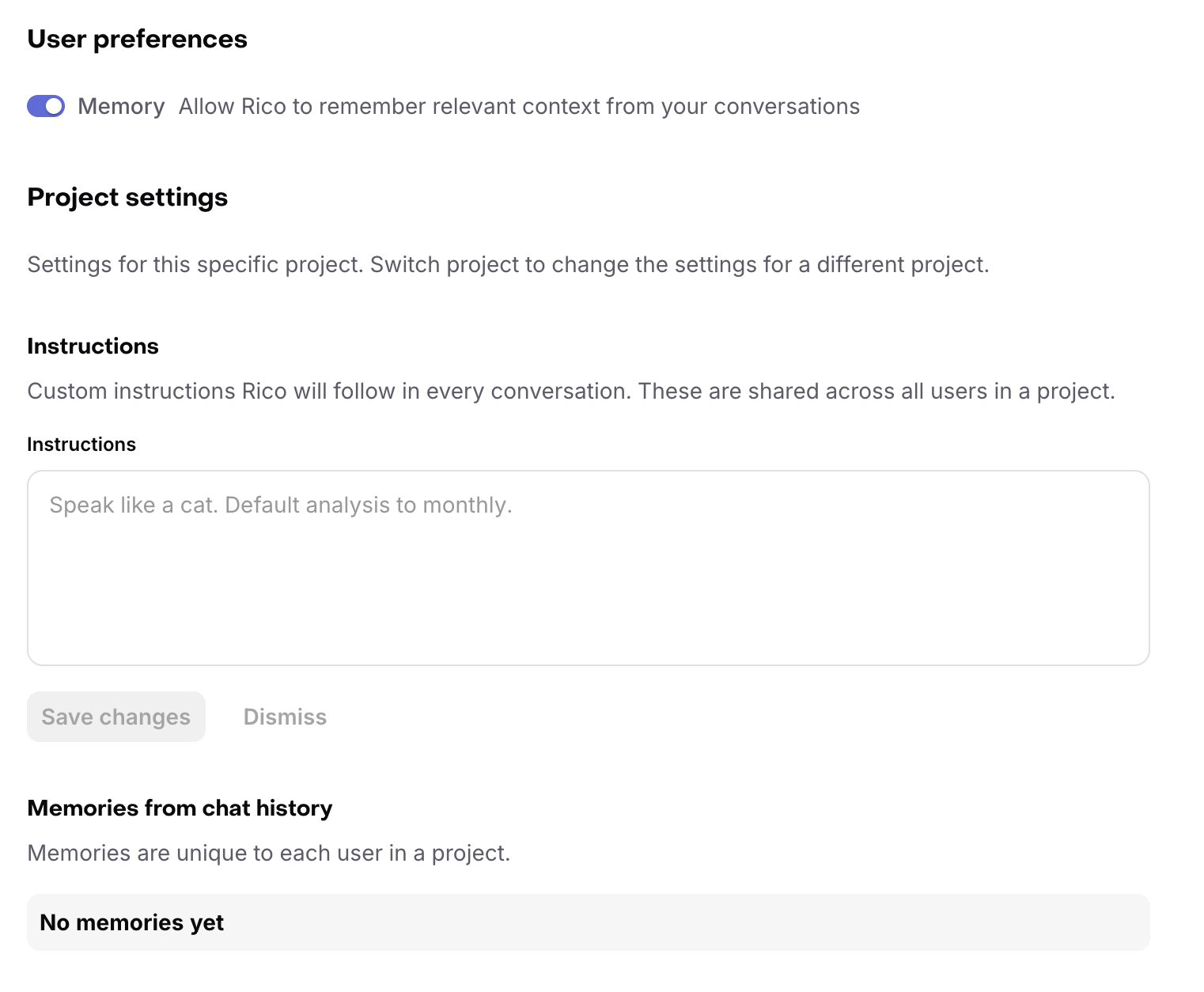
To update these settings, go to Rico > Settings in your project.
Available settings
User preferences
- Memory: can be disabled per user on this page
Project instructions
These are custom instructions (for example, "be brief"), or important context about the project. These will be added to Rico's information about your project in every chat, for all collaborators.
Only project admins may change project-level instructions.
Access
The Rico access setting controls how collaborators can use Rico with this project, in the dashboard and Slack.
- Read & write with permission: Collaborators can ask Rico questions and let Rico make changes with explicit user permission, subject to their project permissions.
- Read only: Collaborators can ask Rico questions about the project, but Rico cannot request or make changes.
- Disabled: Rico is not available in the project.
Only project admins may change Rico project access settings.
When Rico is used by a collaborator, Rico's access is limited by that collaborator's role. For example, read-only collaborators cannot make changes through Rico even when Rico is set to Read & write with permission. Learn more.