Stripe Product Setup
Setting up products in the Stripe Dashboard



To set up products for Stripe, start by logging into the Stripe Dashboard. This guide assumes basic knowledge of Stripe and the Stripe Dashboard. For more information, visit Stripe's documentation and guides for the Dashboard.
Create a new Product
To create a new product, click on products in the sidebar of the Stripe Dashboard, then click Add Product.


Enter details about the product, including name and price information, and click 'Save'.
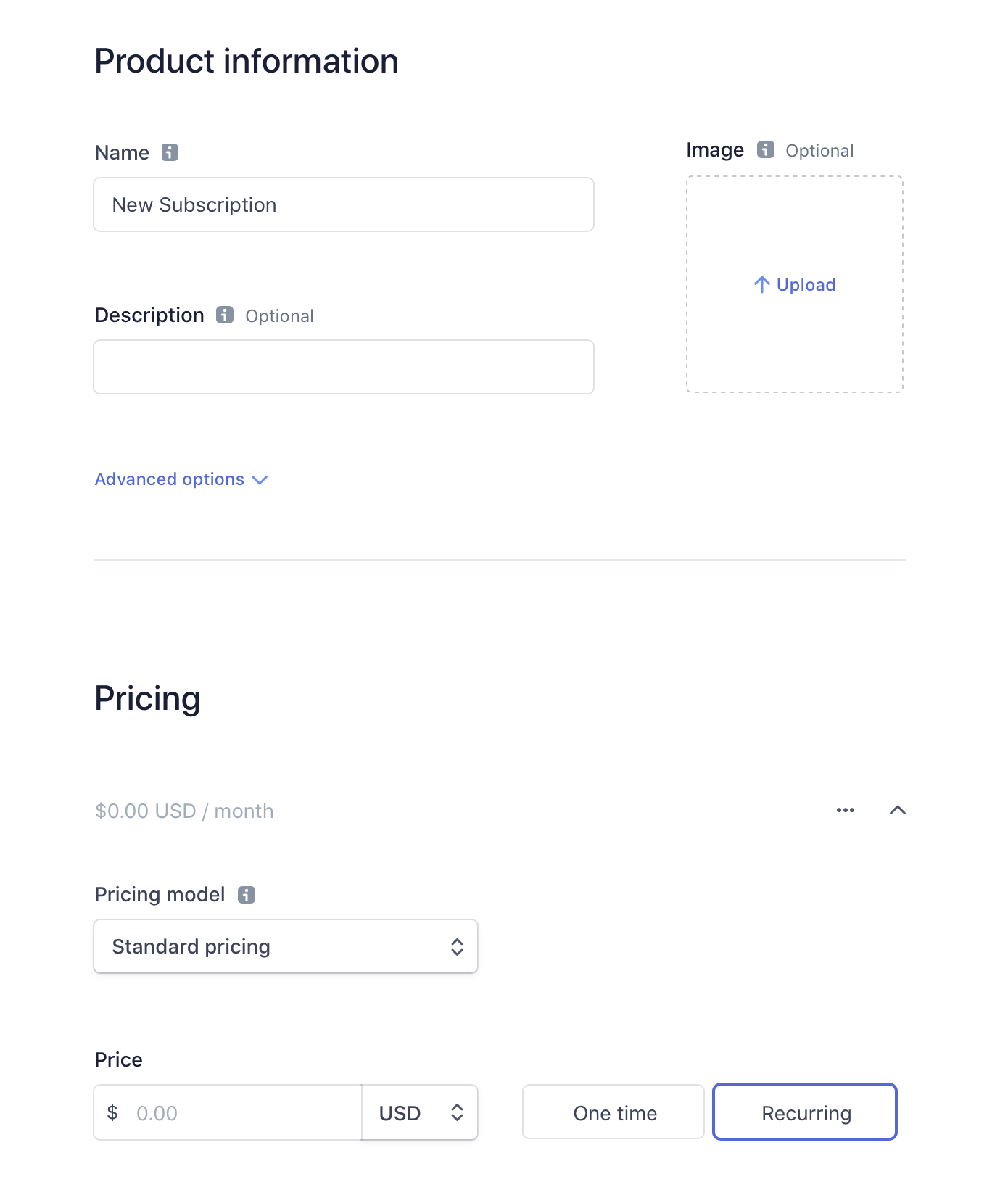
The ID of the new product is a unique identifier that is automatically generated by Stripe, prefixed with prod_. This is the identifier that you'll need later to setup products in RevenueCat.
RevenueCat Web purchase flows currently support flat-rate recurring and one-off Stripe prices. Package pricing can be synced for external purchases, but cannot be sold through RevenueCat Web purchase flows. Metered usage, tiered pricing, and customer-chooses pricing are not supported. See Stripe Billing pricing model compatibility for the current details.
Integrate with RevenueCat
If you're ready to integrate your new Stripe product with RevenueCat, continue our product setup guide →.